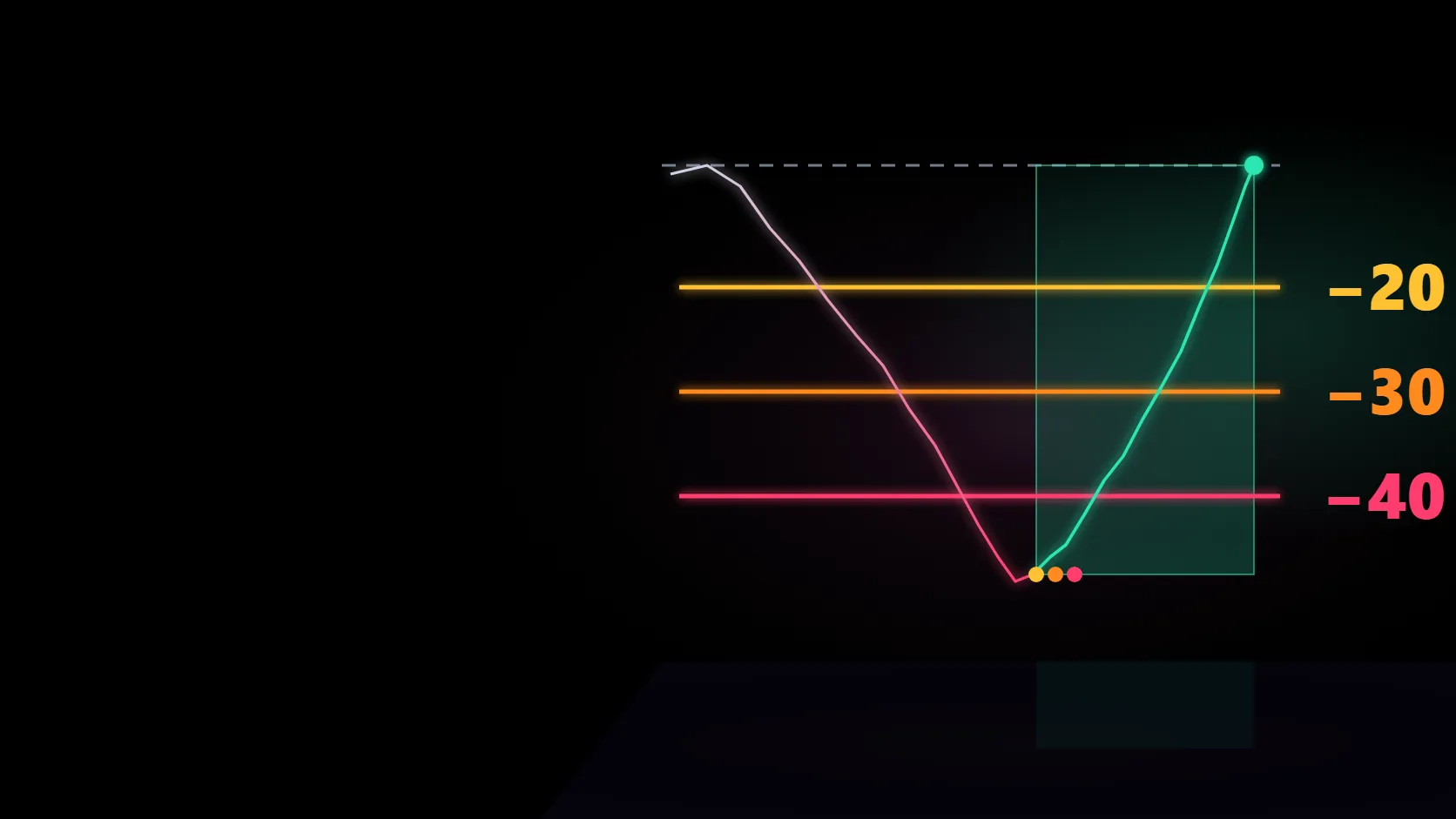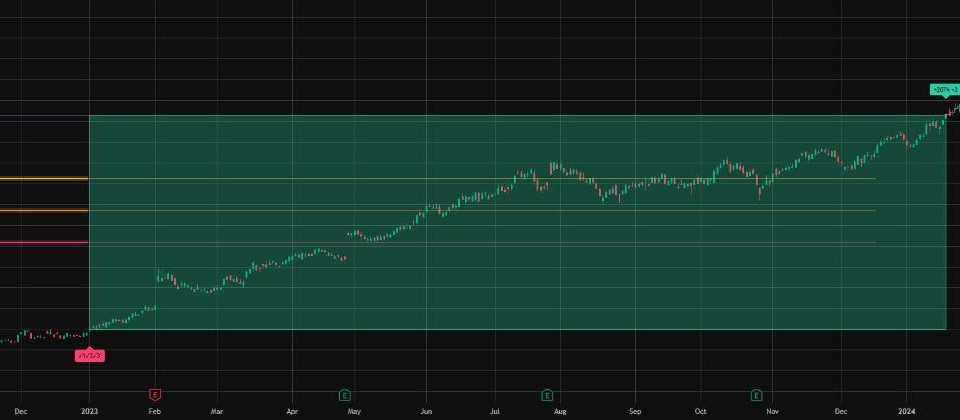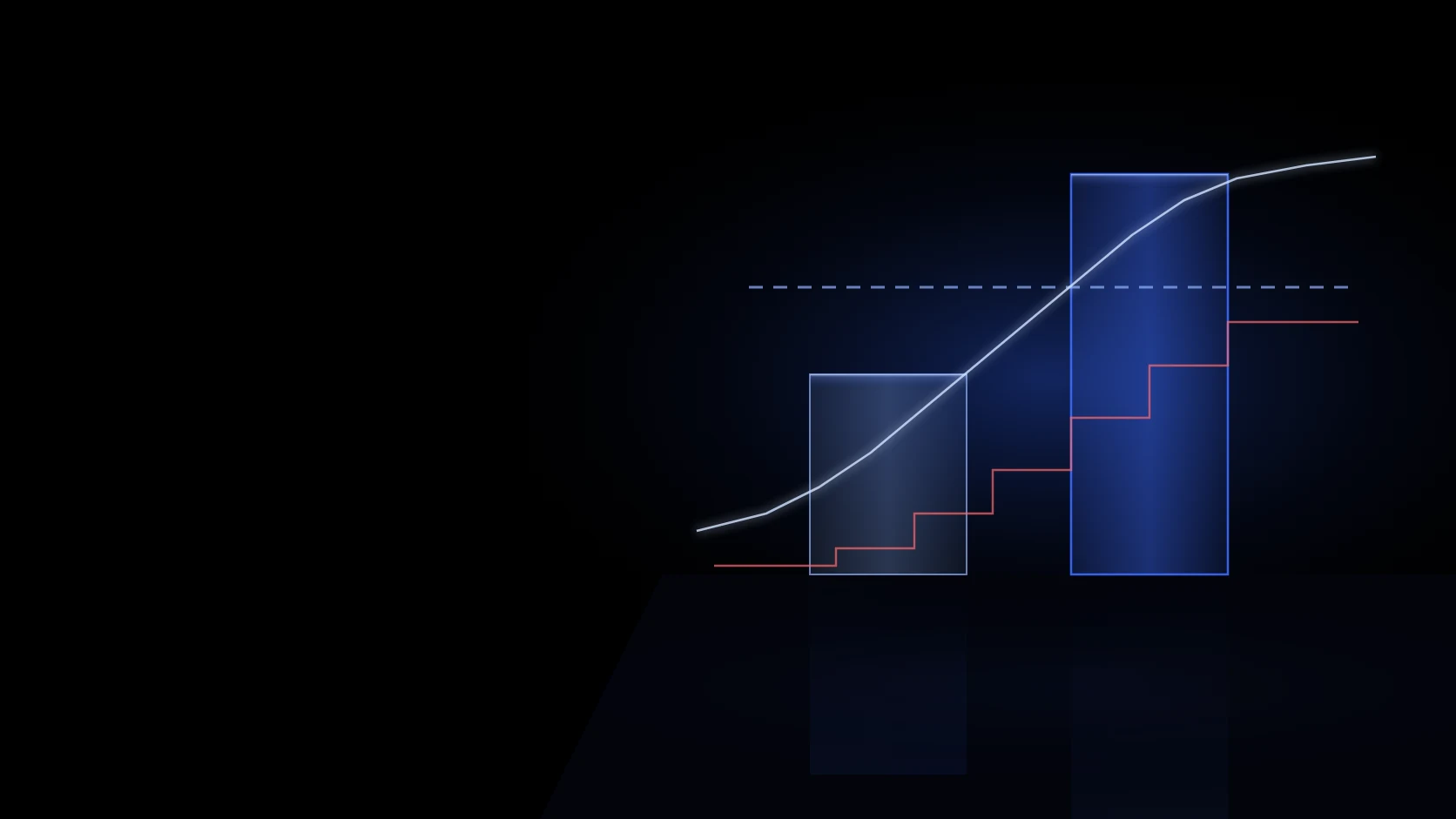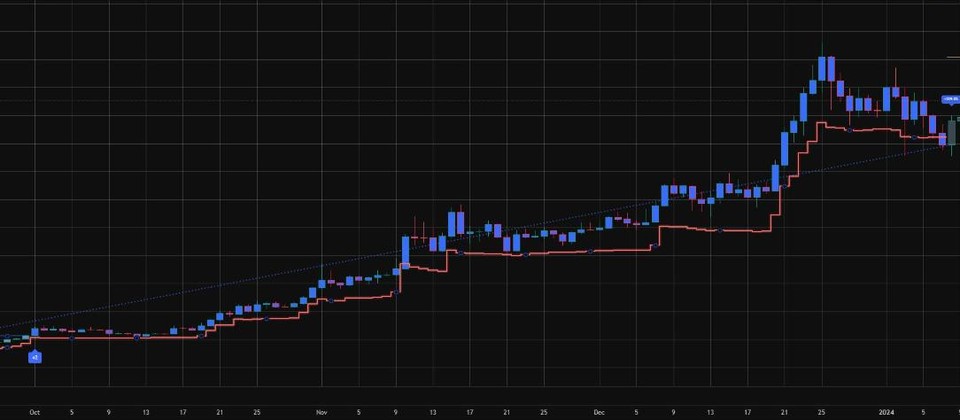
Three signals, set on the daily close
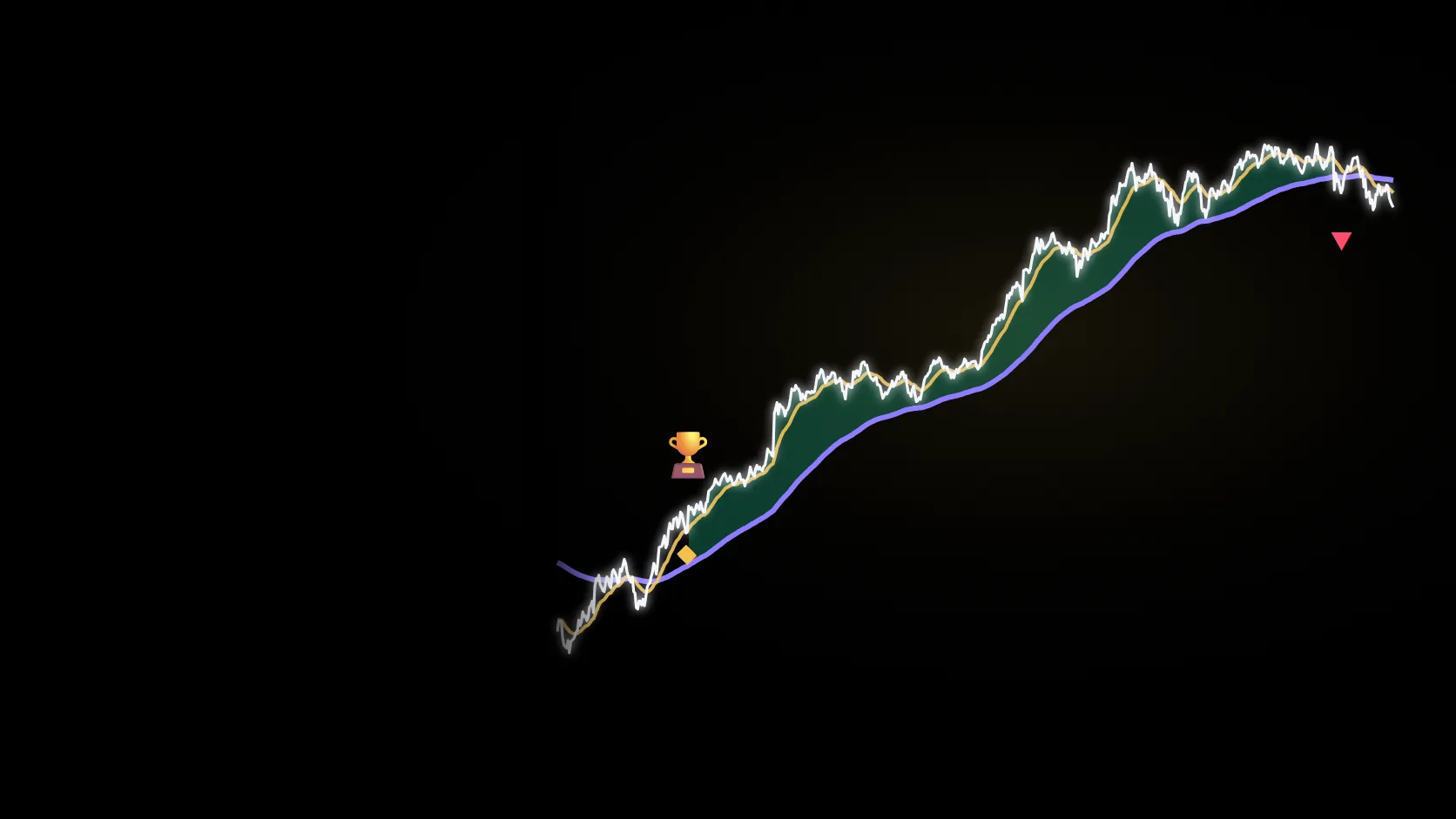
When the 111-day line rises above the π line (350-day × 2): π top sell. When it falls below the 350-day line: ⚠ safety sell. When it rises back above: ▲ buy back. Decided on the close, never repainted.
ChartArmory's own implementation of the 'Pi Cycle Top' idea Philip Swift published in 2019, with a safety sell and a buy-back rule added.
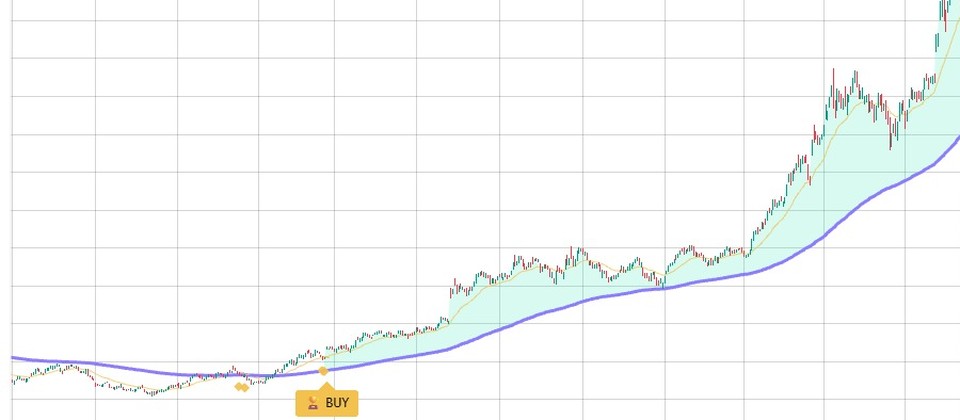
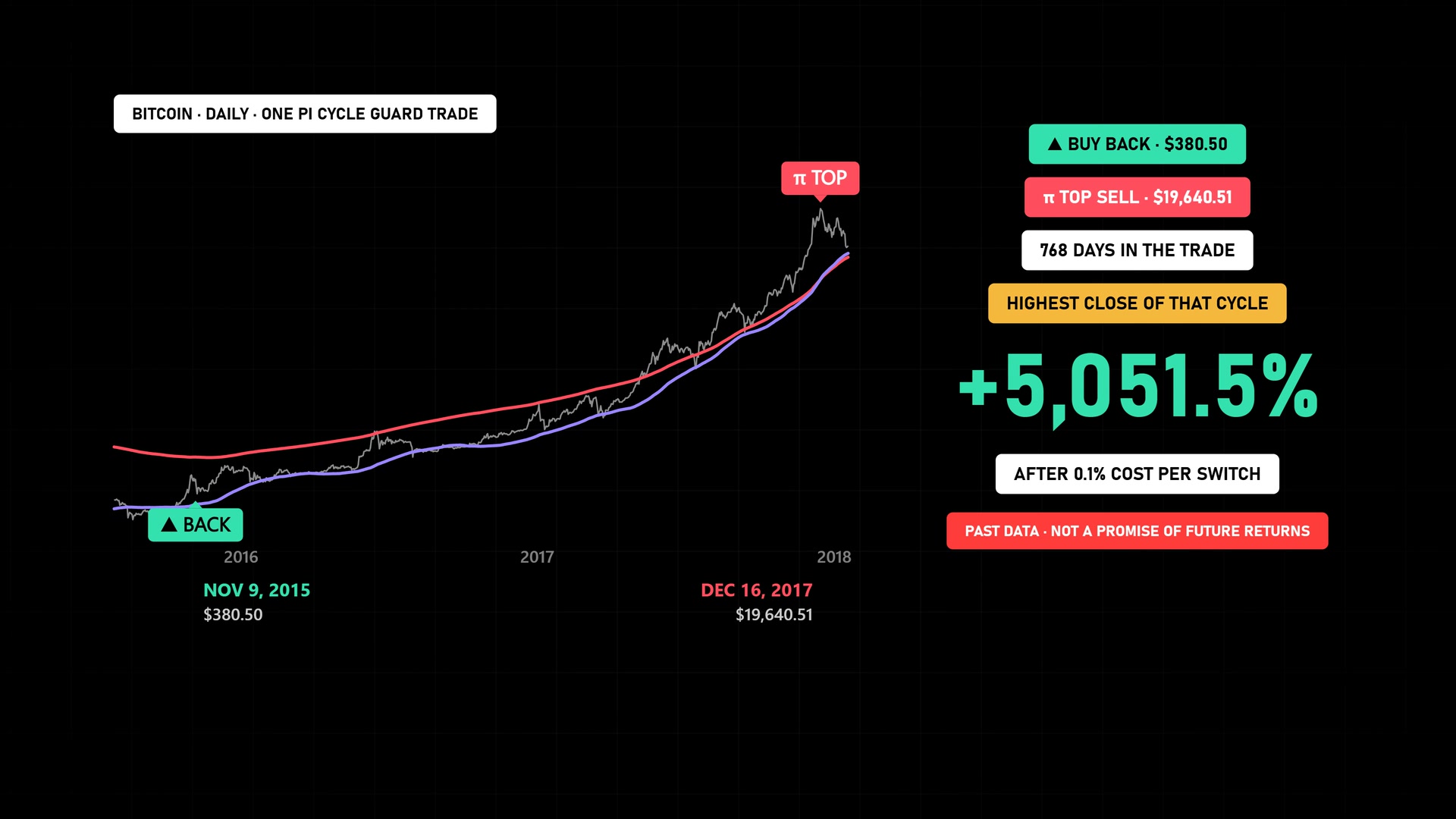
Bought the day the 111-day line rose above the 350-day line, sold the day it crossed the π line. The sell day was that cycle's highest close.
The ▲ buy back was confirmed at the 9 November 2015 close of $380.50. 768 days later, on 16 December 2017, the 111-day line crossed above the π line: π top sell at $19,640.51. A year later Bitcoin was down to $3,185.
Signal and fill at that day's close, 0.1% cost per buy and sell · replay of the same rule as the TradingView indicator (CoinMetrics daily closes; exchange charts can differ slightly)
Download the calculation record (JSON) ↓Drag the handle to compare the chart with and without Pi Cycle Guard.
Calculated from historical data. Future returns are not guaranteed.
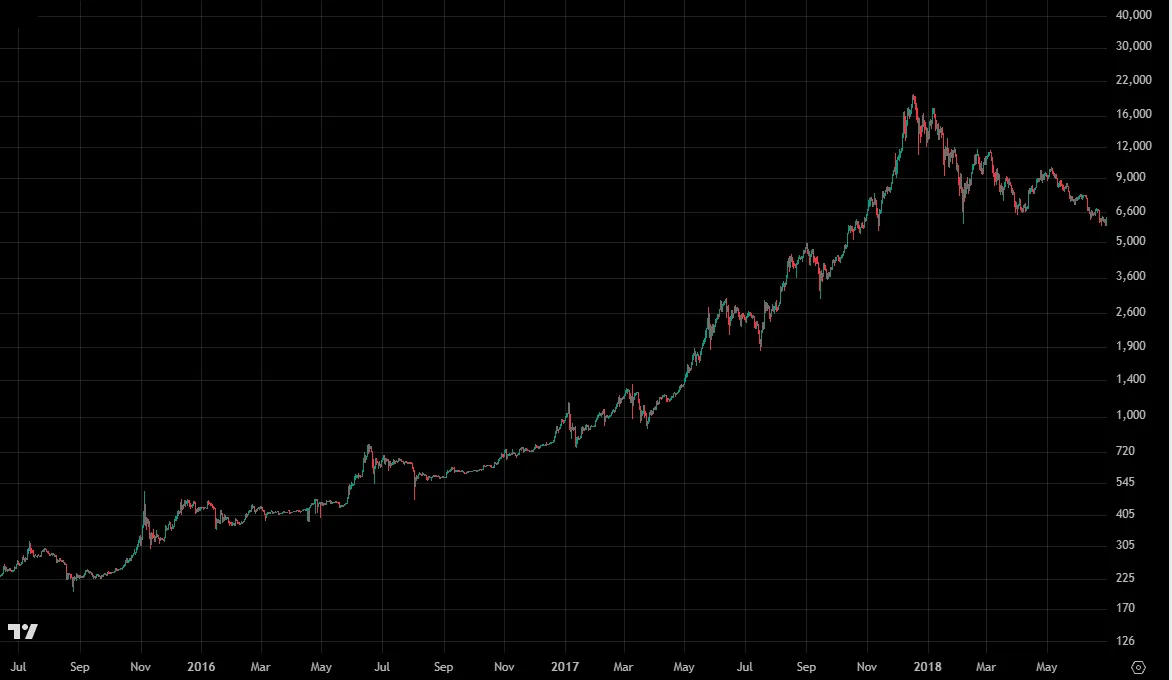
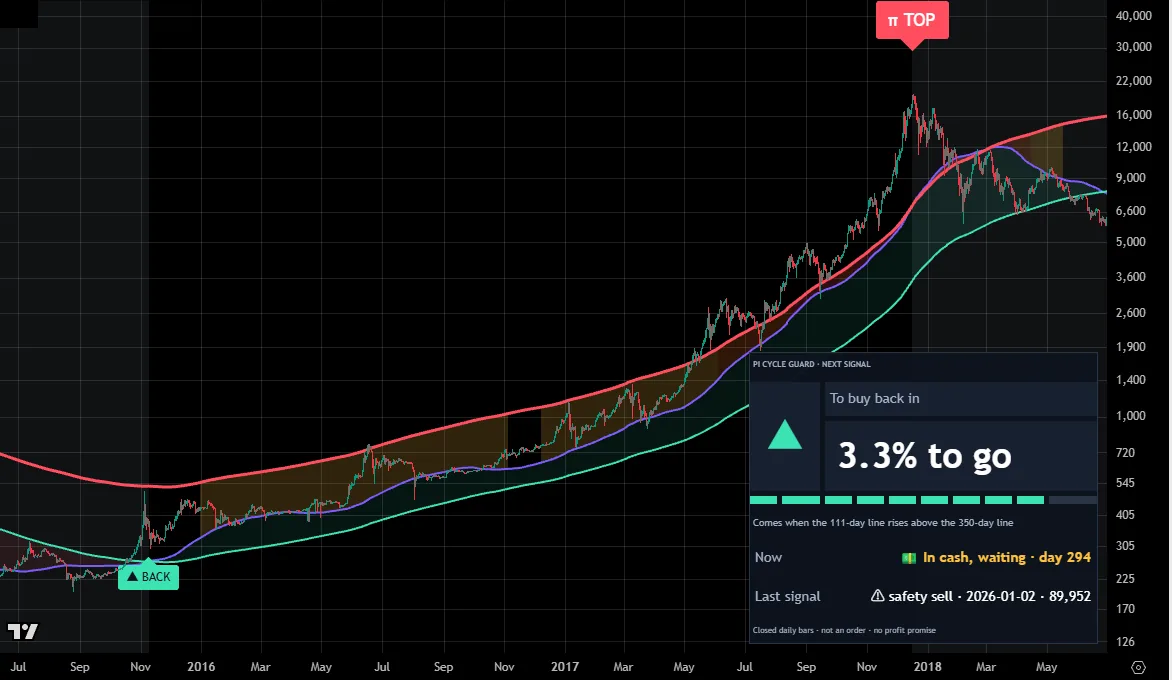
BTCUSD · 1D · 2015.06–2018.06Chart: TradingView
ProblemWhen it rallies, you don't know when to sell
FixThe π top sell appears the day the 111-day line rises above the π line. In 2017 that was the day of the cycle top
ProblemAfter selling, you don't know when to buy back
FixThe ▲ buy back appears when the 111-day line rises back above the 350-day line, and the panel shows the distance every day
ProblemSome cycles roll over without a top signal
FixWhen the 111-day line falls below the 350-day line, the ⚠ safety sell appears so you don't ride the whole decline
When the 111-day line rises above the π line (350-day × 2): π top sell. When it falls below the 350-day line: ⚠ safety sell. When it rises back above: ▲ buy back. Decided on the close, never repainted.
One panel in 8 languages shows the next signal and how far away it is (e.g. To buy back in · 3.3% to go), a progress bar, the condition in one sentence, where you are now and the last signal.
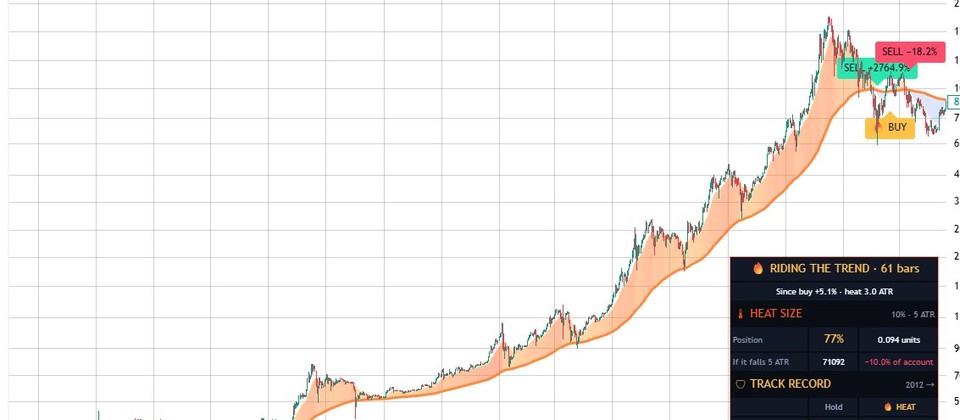
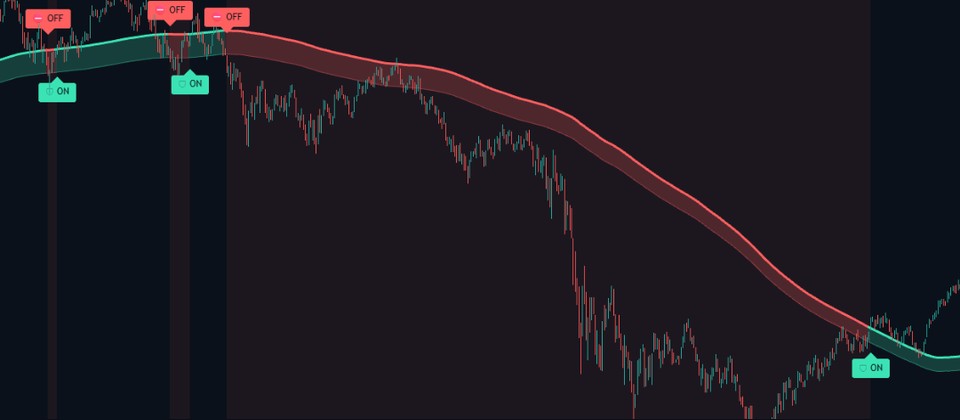
The gap between the lines heats up as the 111-day line nears the π line, and stretches spent waiting in cash are tinted grey. All three signals can trigger alerts.
The lines and the panel in the lower right tell you what you are waiting for.
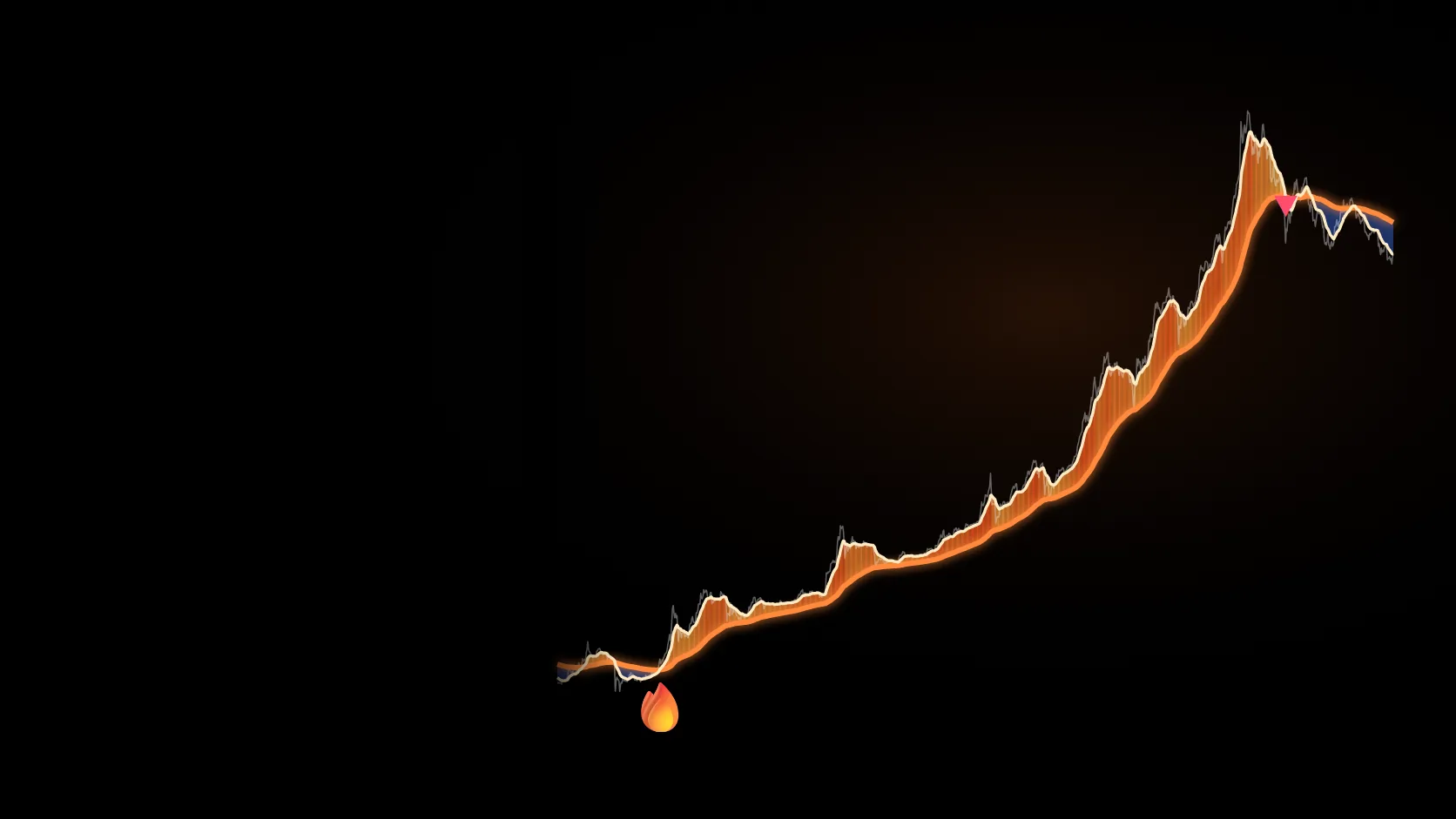
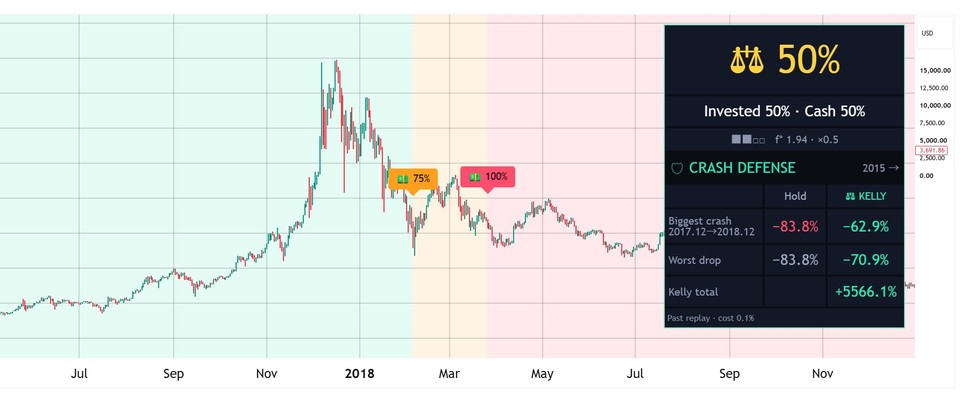
After the ▲ buy back in November 2015 it held, and the π TOP sell came on 16 December 2017, the day of the cycle top. Over the next year Bitcoin fell −83.8%.
Waiting in cash since the ⚠ safety sell in January 2026, the panel shows the distance to the next signal, such as 'To buy back in · 3.3% to go'.
Bitcoin or cash only, no leverage, recorded up to 22 October 2026.
| Start | Plain holding | Pi Cycle Guard | Worst drop (hold → guard) |
|---|---|---|---|
| 2015 | $258,142258× | $1,350,3501,350× | −83.8%→ −48.6% |
| 2018 | $6,0356.0× | $26,21326.2× | −81.4%→ −48.6% |
| 2020 | $11,33211.3× | $27,93527.9× | −76.7%→ −32.1% |
| 2022 | $1,7091.7× | $3,1653.2× | −66.9%→ −32.1% |
| 2024 | $1,8451.8× | $2,0402.0× | −53.1%→ −32.1% |
Big Bitcoin declines, plain holding vs following the Pi Cycle Guard rule (0.1% cost per signal).
With the indicator 0.0%
2017.12–2018.12 crash — plain holding −83.8%. The indicator was in cash after the π sell on the day of the top.
With the indicator 0.0%
2021.11–2022.11 bear market — plain holding −76.7%. The indicator was in cash after the π sell in April 2021.
With the indicator −28.0%
2025.10–2026.6 decline — plain holding −53.1%. The π line was never reached, so it exited with the safety sell.
Own the complete Pine Script v6 source with one payment and no subscription, and edit it if you like.
Past performance does not guarantee future results.
Built by ChartArmory from the Pi Cycle Top idea published by Philip Swift; not affiliated with or endorsed by him.
A signal on a closed bar never changes; only today’s unfinished bar can move.
Other symbols and higher timeframes use only data available at that moment, so no future values leak into past signals.
Past examples are calculated after trading costs (0.1% per side), and you can download the raw data as JSON.
The exact names you see in TradingView’s settings (Inputs tab). · Card in 8 languages
Paid plans send signal alerts to your phone; on the free plan, just open the chart once a day.
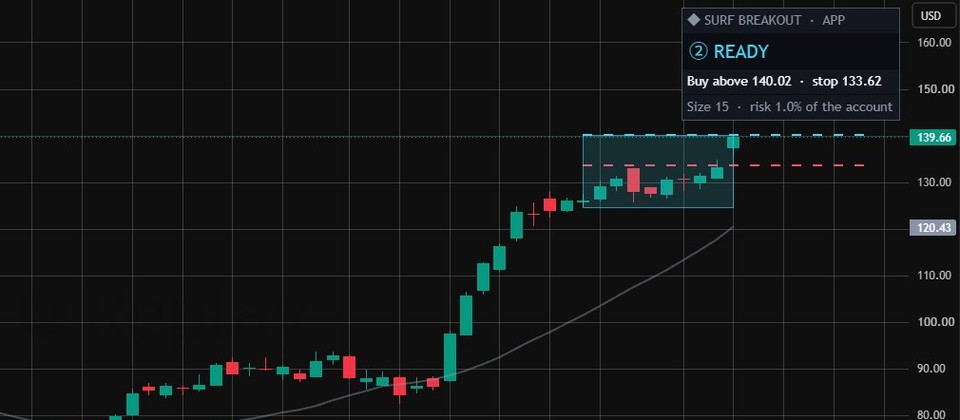
The card on the right shows today’s action and the key lines (position size, stop).
Order in your broker app and get back to your day.
Outsourcing usually costs $200–$500+ and dozens of hours of fixes. Here, one payment gets you tested Pine Script v6 source right away, yours to keep.
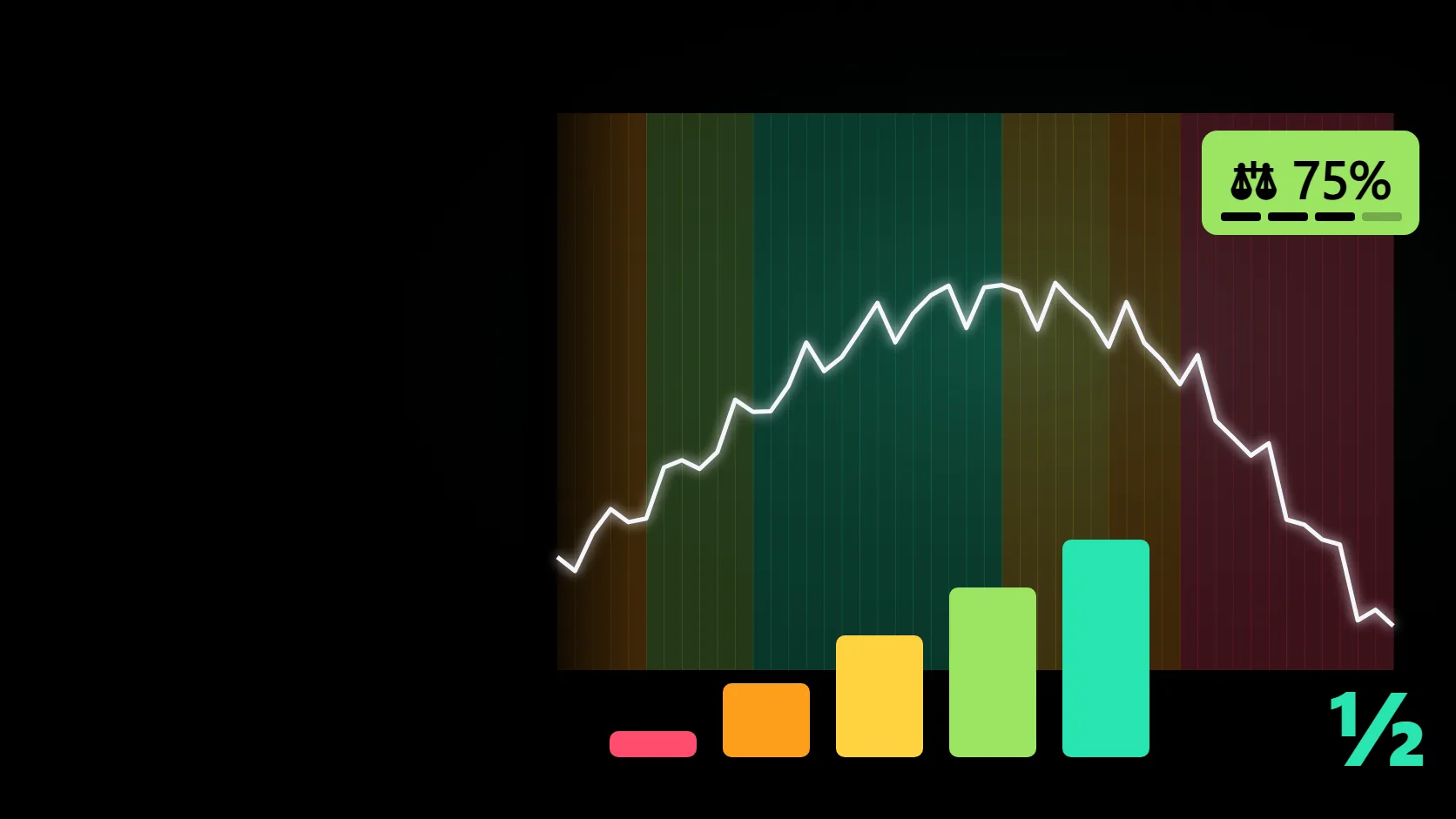
Let Pi Cycle Guard decide when to hold and when to sit in cash, and Kelly Meter how much to put in.
View indicator →Each indicator is sold separately; combined results have not been tested.
The day the 111-day moving average rises above twice the 350-day moving average (the π line; 350 ÷ 111 ≈ 3.15 ≈ π). In Bitcoin's past it landed within days of the cycle tops in 2013 (3 days early), 2017 (the same day) and 2021 (1 day early).
Signals are rare, a few per several years, so it can sit in cash for a long time. In a cycle that never reaches the π line, like 2024–25, it exited with the safety sell at $89,940 (2026-01-02), 28% below the $124,824 top.
No. They appear after the daily close confirms them and are never repainted.
No. It only switches between holding Bitcoin and waiting in cash, with no leverage or shorting. It places no orders.
You can add it to any daily chart, but the rule is tuned to Bitcoin's cycles. Results on other assets can be very different.
You can edit it for personal use. Sharing, redistribution and resale rights are not included.
Put the complete source of Pi Cycle Guard, which tells you the next signal from the top alarm to the buy-back, on your own TradingView chart.
TREND + HEAT SIZING
Breakout step checker
PULLBACK TREND
POSITION SIZER
LEADER ROTATION
TOP WARNING
CRASH BUYING
POSITION SIZING
TREND BREAKOUT
VOLATILITY BREAKOUT
LONG-TERM TREND
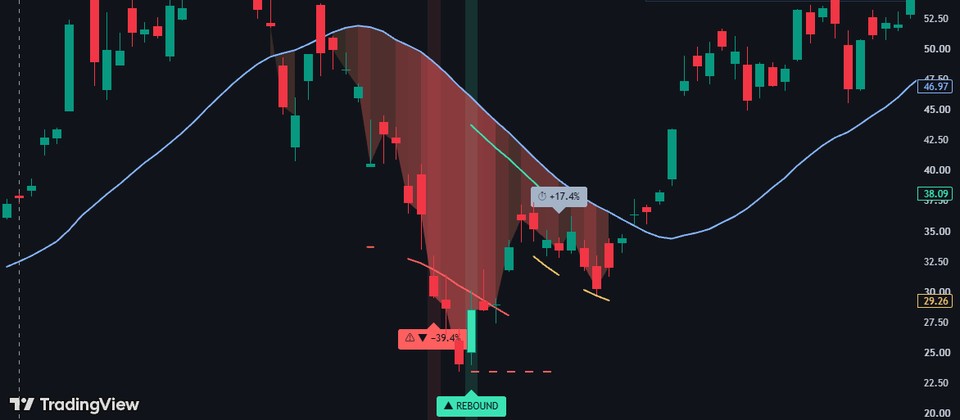
REBOUND OBSERVATION
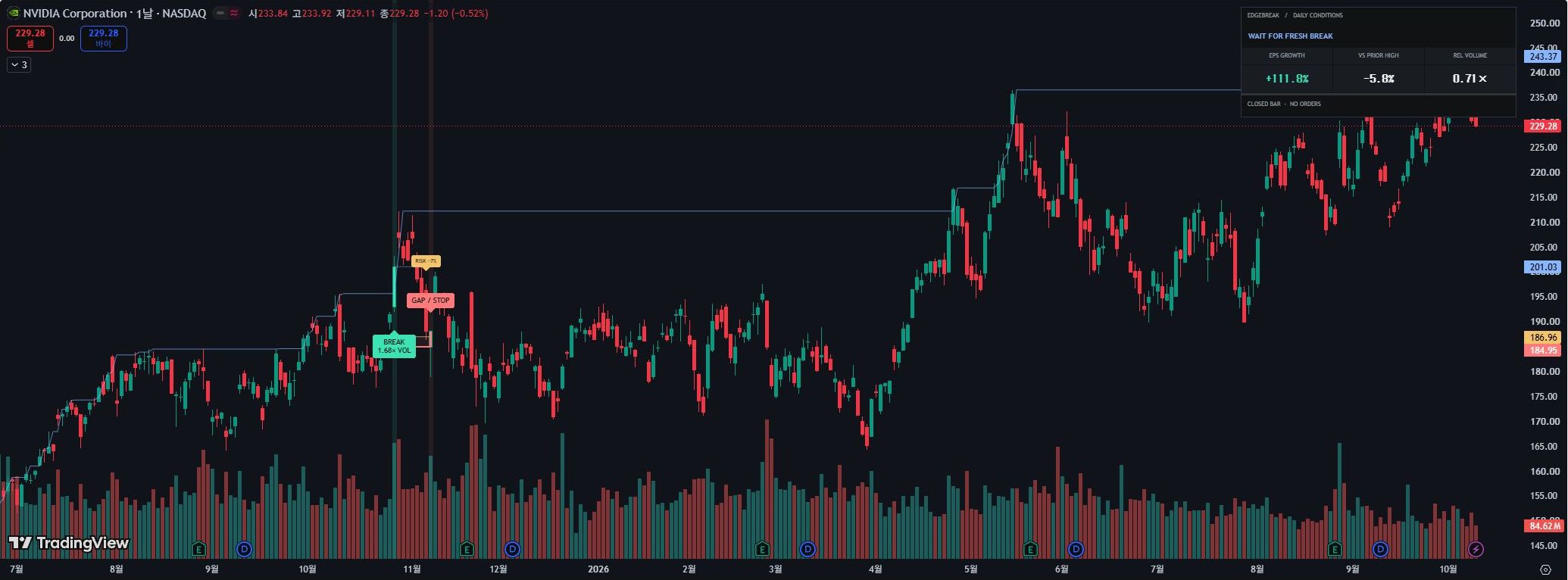
BREAKOUT OBSERVATION
LIVERMORE · V3
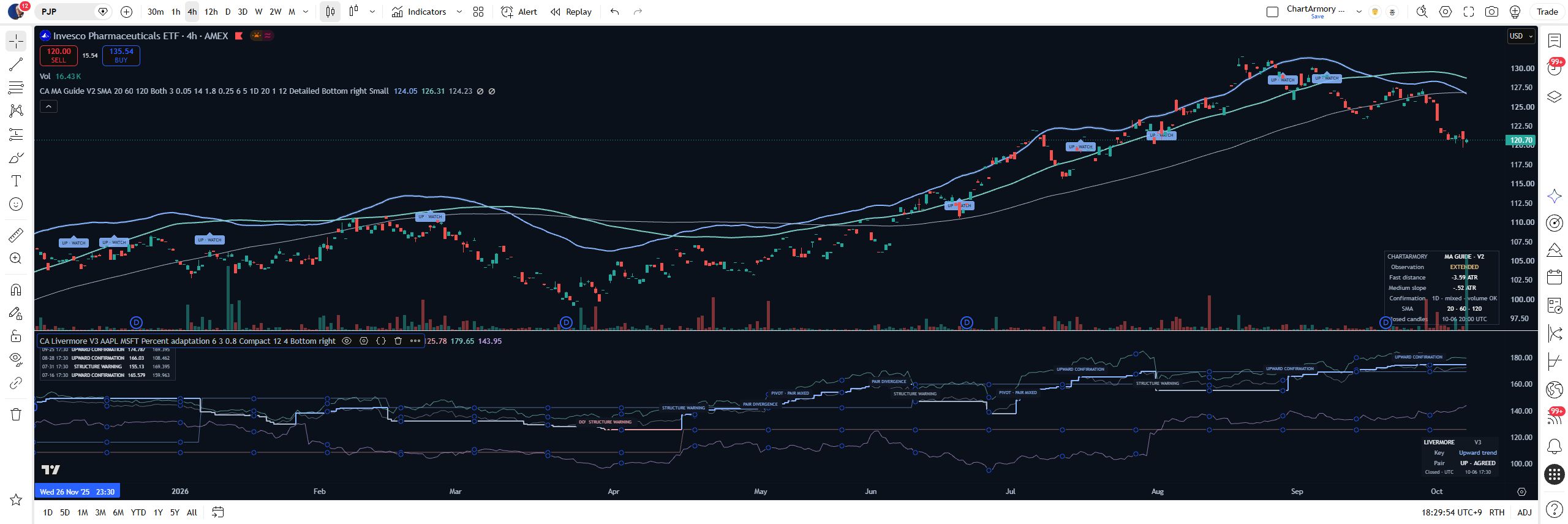
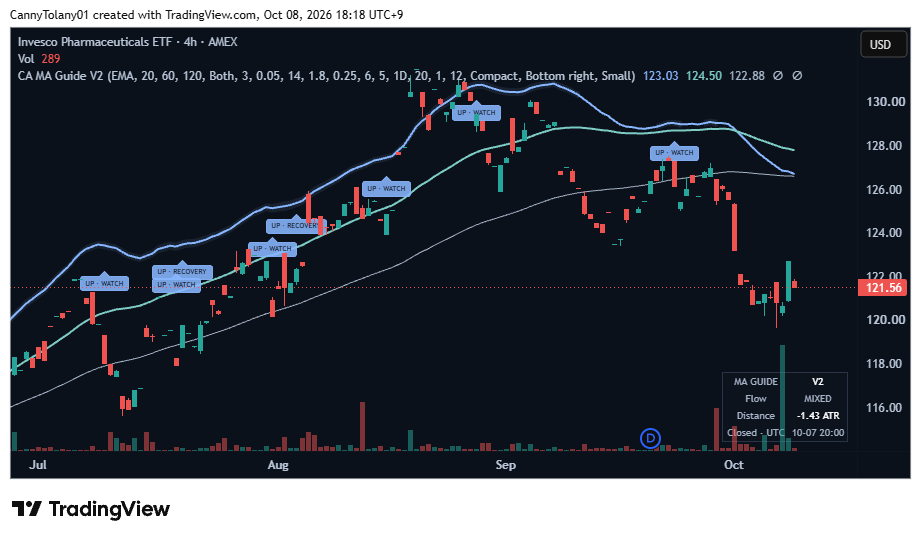
TREND OBSERVATION
TradingView