CHARTARMORY

Install app

  1. Use the install icon on the right of the address bar, or choose the app-install option in the browser menu. Chrome and Edge support this on desktop.
  2. Already installed? Open ChartArmory from your home screen or computer’s app list.
CHARTARMORY

App & notifications

Enable notifications

Only your selected topics. We store your push address, encryption keys, language and choices; turning notifications off deletes this subscription.

Push notifications are not supported in this environment.

← All productsCHARTARMORY · BREAKOUT HELPER

Surf Breakout

A trading helper that walks you through the three steps of a breakout trade on the chart you are looking at

Inspired by the breakout routine published by Kristjan Kullamägi, a Swedish trader who started with about $5,000 saved as a mall security guard, blew up a few accounts and later grew his account past $100 million. Built by ChartArmory.

$15.60One-time payment · Perpetual personal use
Add to my chart
US$39 (one-time) includes
  • Full Pine Script v6 source code
  • 8-language card and install guide
  • Personal use and editing rights (no redistribution or resale)
  • 30 days of bug-fix support after purchase
  • Copy button and TXT right after payment
Delivery and refund policy ↗
SURF BREAKOUT / HISTORICAL CASE

AppLovin (APP): the three steps applied as they are

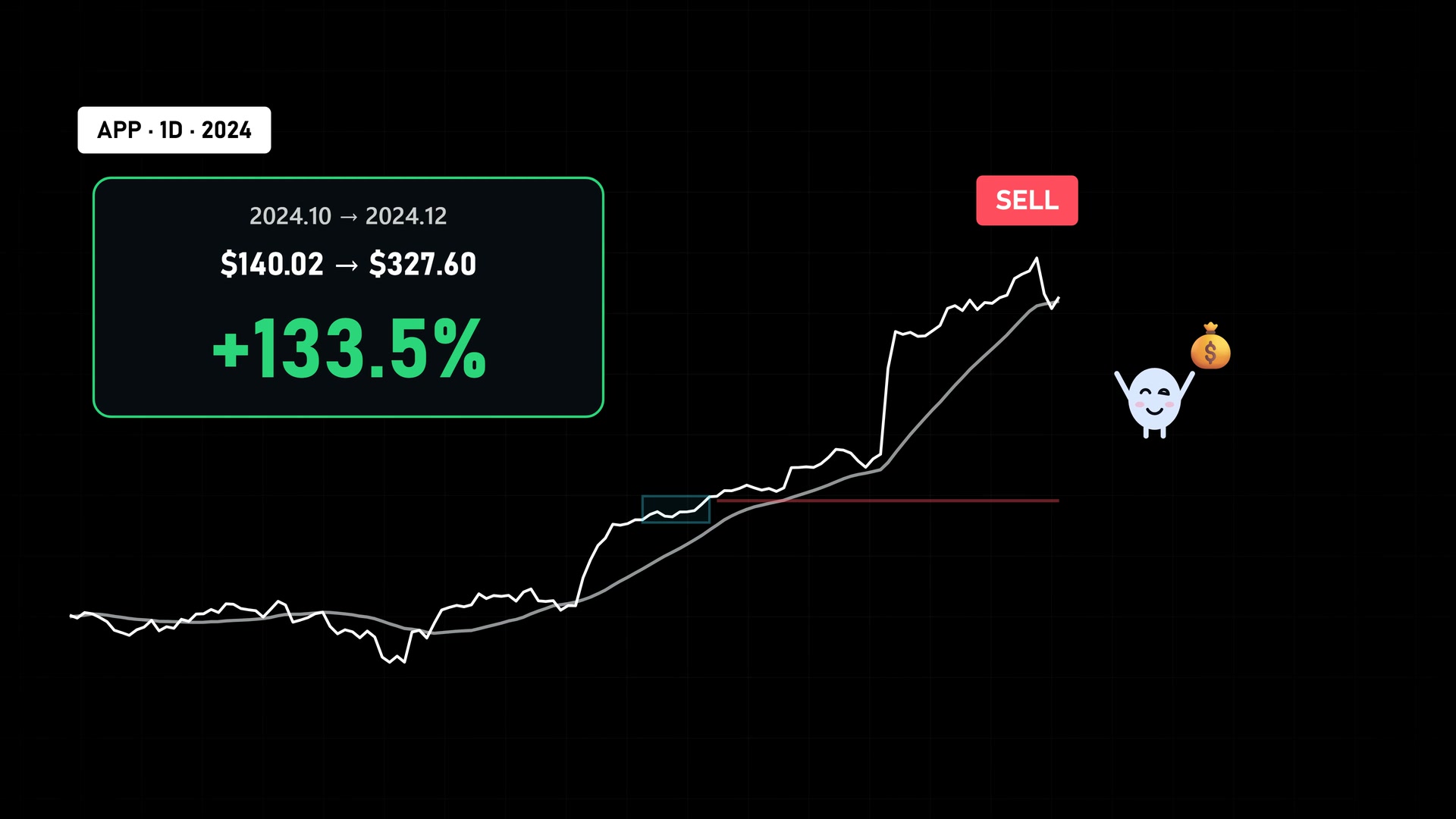
NASDAQ:APP · 1D · 2024.10 → 2024.12+133.5%

Bought the day price crossed the blue breakout line, sold the day after a close under the white 20-day line. SPY made +7.0% over the same period.

SPY, same period
+7.0%
Held
65 days

On 7 Oct 2024 price crossed the $140.02 breakout line and it bought. On 10 Dec the close fell under the 20-day line, so it sold at the next open, $327.60. Not every breakout ends like this; a failed one ends small at the red stop.

  1. 01 / ② Buy at the breakout line$140.02② → ③ BREAKOUT
  2. 02 / Highest close while held$401.50+186.7%
  3. 03 / ③ Close under 20-day → sell next open$327.60SELL · OPEN after close < 20 SMA

Buy at the breakout line, sell at the next open, 0.1% cost on buy and sell · a replay of the same rule as the TradingView indicator (Yahoo Finance daily data)

Download the calculation record (JSON) ↓
PROBLEM → FIX

Less checking and arithmetic before every trade

Checking all four breakout conditions by eye every time

In ① Wait the panel spells out which conditions are still missing

Working out how many shares keep the risk at 1% of the account

Enter account size, risk % and largest position once and the size appears in the panel

Too many old signals and lines to tell what to do now

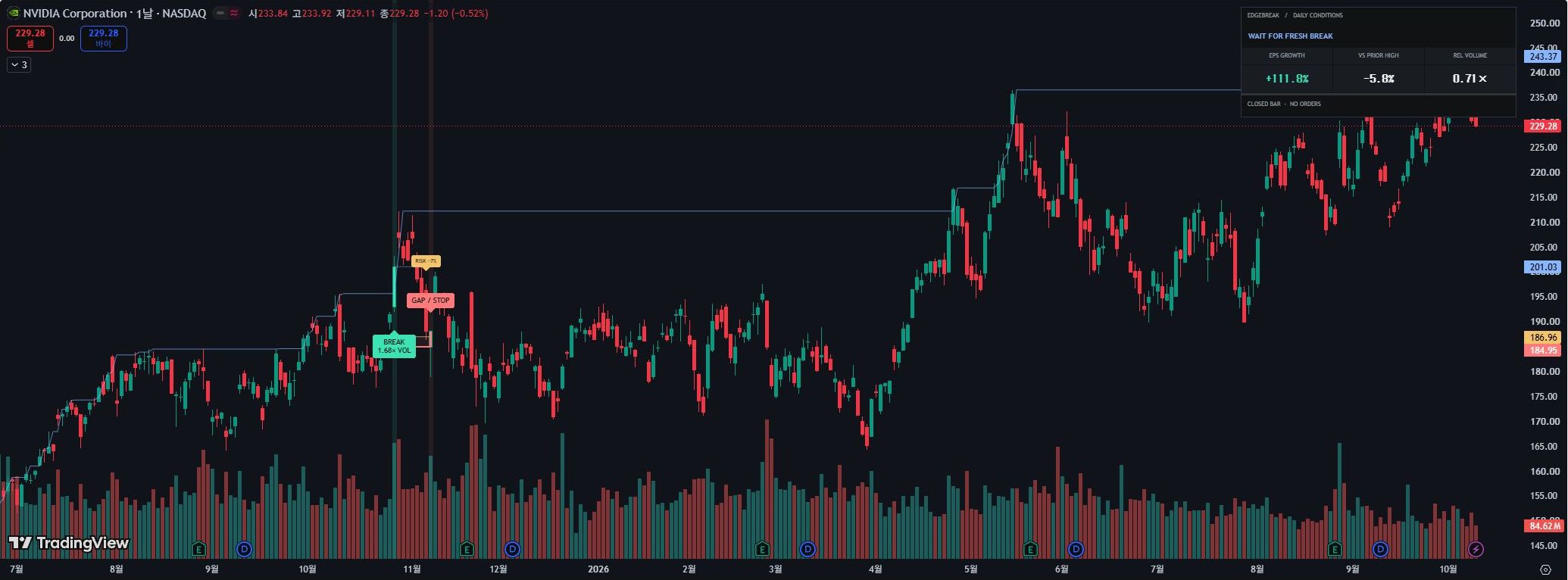
History marks are left out: a 3-line panel and three lines show only the current step

Watching the chart all day for the breakout

Three alerts (ready, broke out, sell line) cover the moments that matter

01 / WHAT IT DOES

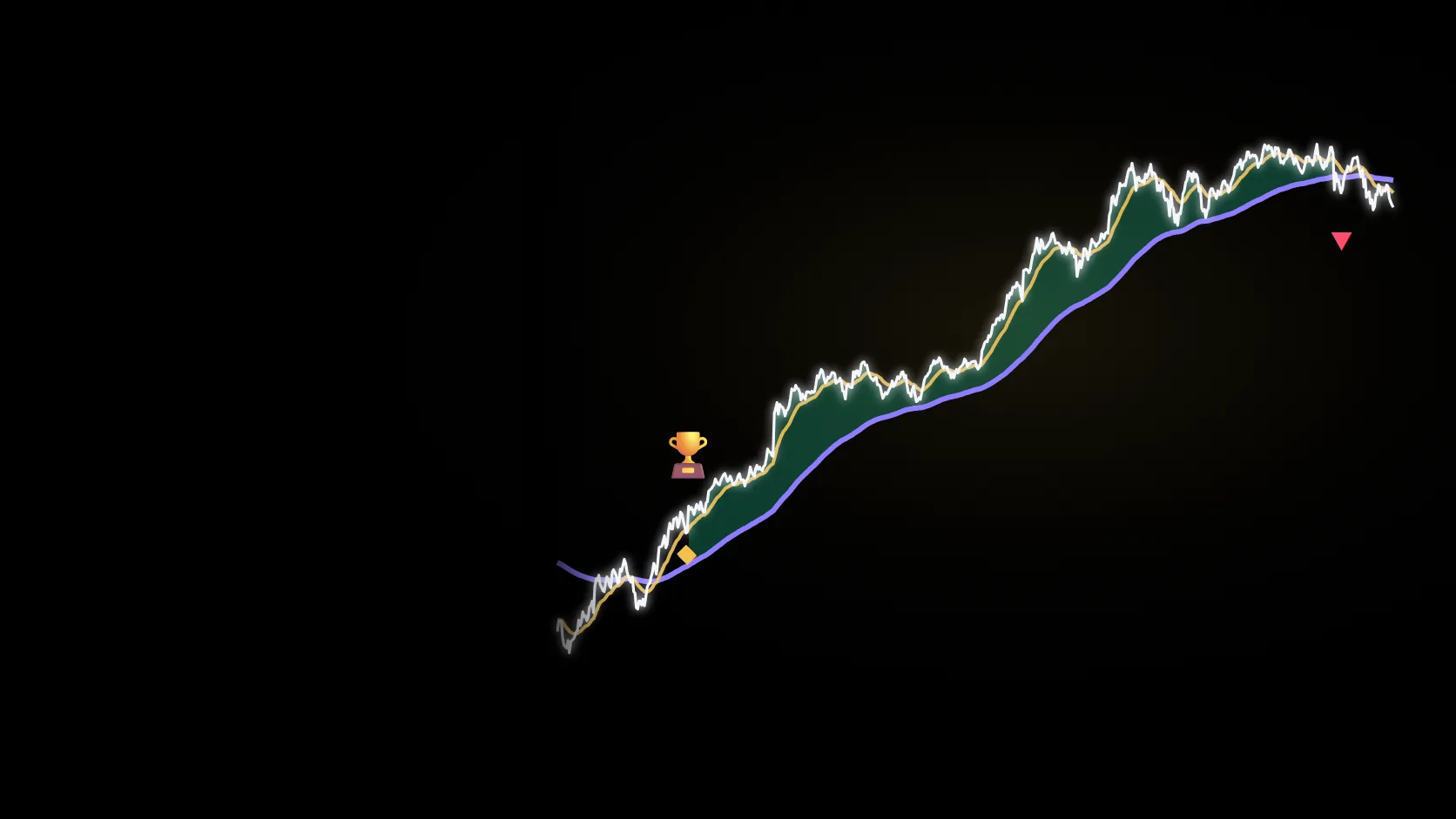
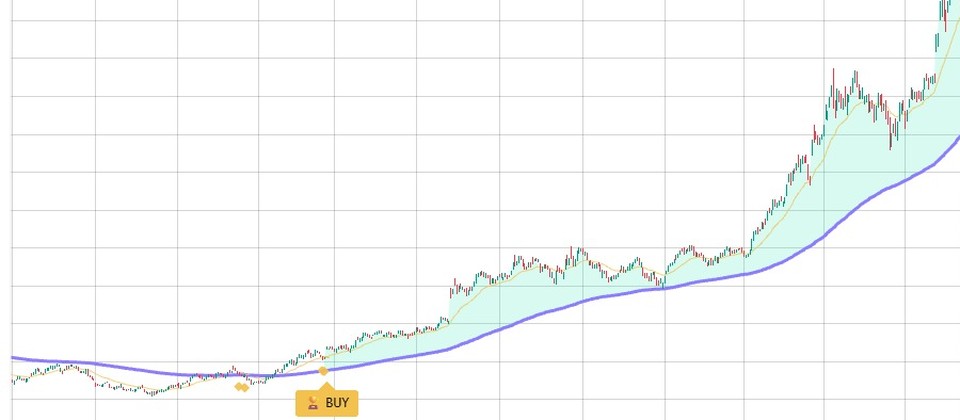
Wait → Ready → Holding: it tells you only what to do now

01

① Wait — shows what is missing

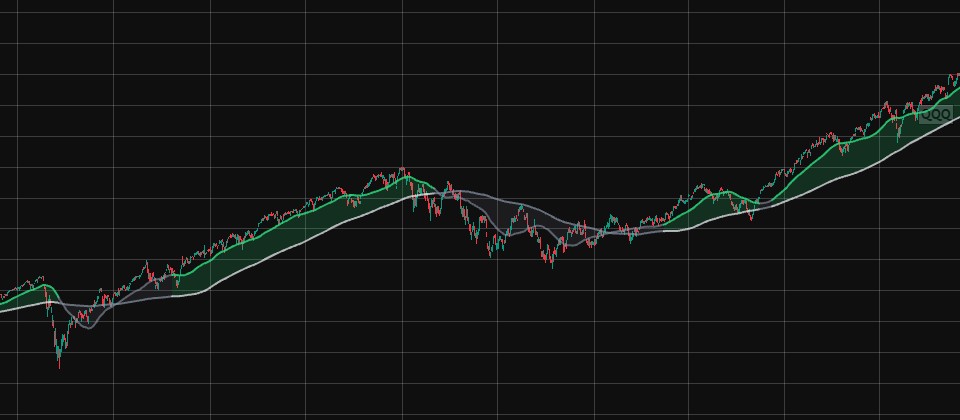
A 30%+ low-to-high run within 3 months, price above a rising 20-day average, a quiet zone where the last 10 days fit inside 2.5× the average daily range (ADR), and the Nasdaq (QQQ) above its 10- and 20-day averages. Until all four are true, the panel lists what is still missing.
02

② Ready — lines and size

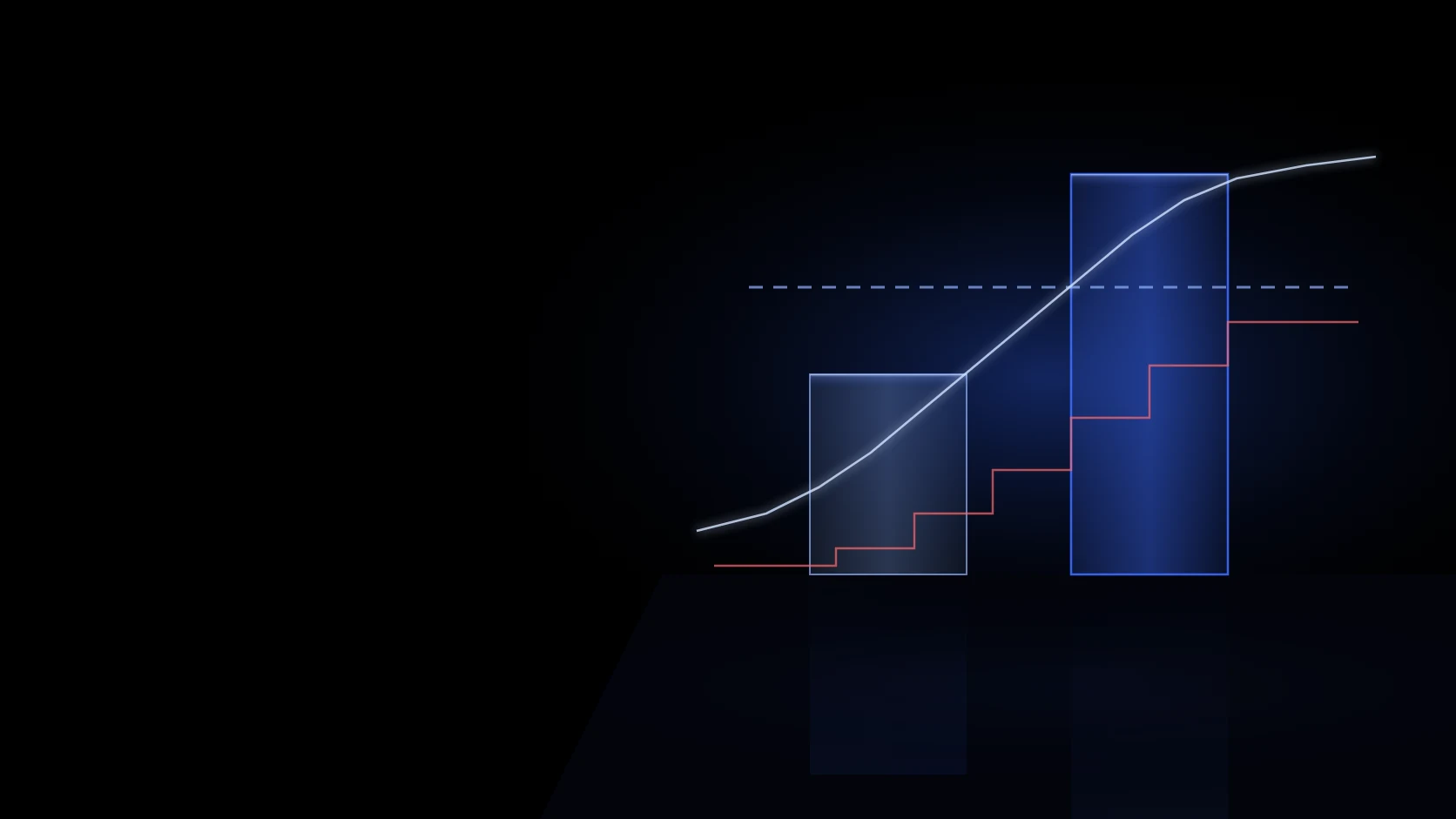
The quiet zone gets a blue box, a blue breakout line on top and a red stop one daily range below. It also works out how many shares put only 1% of the account at risk.

03

③ Holding — the sell line

After the buy, the red stop stays and the white 20-day average becomes the sell line. A close under the white line means it is time to sell.

02 / ON YOUR CHART

No history clutter, only what to do now

Past buy and sell marks are left out on purpose: a 3-line panel (current step, breakout and stop prices, size) and three lines (blue breakout, red stop, white 20-day).

NASDAQ:APP · 1D · 2024.10.04 · ② READY · Surf Breakout defaults

② Ready screen

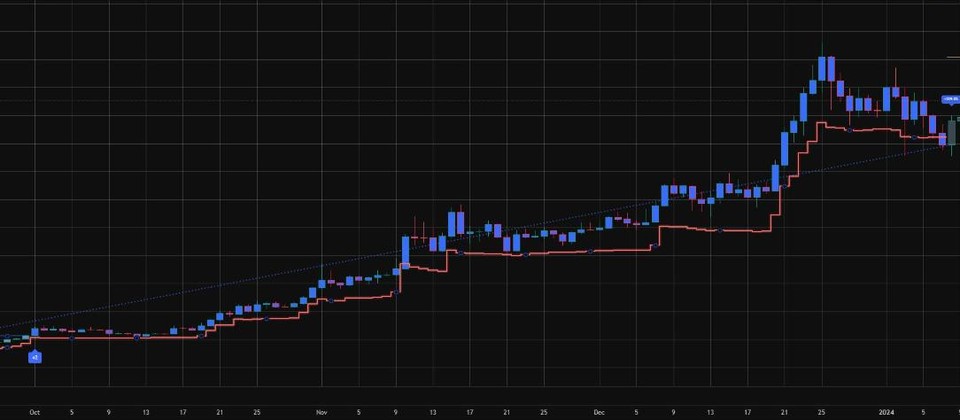
The quiet zone is boxed in blue, with the blue breakout line to buy above, the red stop under it and the share size that risks 1% of the account in the panel.

NASDAQ:APP · 1D · 2024.11.25 · ③ HOLDING · Surf Breakout defaults

③ Holding screen

After the buy the red stop stays and the white 20-day average becomes the sell line. Sell on a close under the white line.

WITHOUT THE INDICATOR

Position size is simple arithmetic that protects the account

A $10,000 account with the stop 5% below the entry: buying with everything vs buying the 1%-risk size.

−$500

All in — one stop costs 5% of the account

−$100

1%-risk size — one stop costs 1% of the account

about −9.6%

1%-risk size, stopped out 10 times in a row (all in: about −40%)

03 / INSTALL

Installed in 3 steps right after payment

Start right away with the copy button and the TXT file; the install guide comes in 8 languages.

  1. 01Copy the code or download the TXT after payment
  2. 02Paste it into the TradingView Pine Editor, save and add it to the chart
  3. 03Set account size, risk %, largest position and language, then turn on alerts

Past performance does not guarantee future results.

Inspired by the routine Kristjan Kullamägi has published and built by ChartArmory; not affiliated with or endorsed by Kullamägi.

SURF BREAKOUT / FAQ

FAQ

Why wait for a 'quiet zone' before buying?

A tight zone gives a clear top for the breakout line and lets the stop sit only one daily range below. A shorter stop means you can buy more shares for the same 1% risk.

Why is there no performance scorecard?

This is a helper, not a signal that promises profits. Past return tables and past buy and sell marks are left out on purpose so the chart shows only what to do now.

Did Kristjan Kullamägi make or endorse it?

No. ChartArmory built it, inspired by the breakout routine he published on his own website. He is profiled in chapter 1 of Jack Schwager's 'Market Wizards: The Next Generation' and ranked 15th on Sweden's 2021 income list (SEK 360 million).

Can I change the conditions?

Yes: the 3-month run-up (default 30%), quiet-zone length (10 bars) and width (2.5× ADR), the sell line (10- or 20-day), the market condition on/off and its index, plus account size, risk % and largest position.

What do I get after paying?

For a one-time US$39 you get the full Pine Script v6 source through a copy button and a TXT file right after payment, an 8-language install guide and 30 days of bug-fix support.

Can I edit or share the code?

You can edit it for personal use. Sharing, redistribution and resale rights are not included.

SURF BREAKOUT · V1

See your next step on the chart you are watching

Own the Surf Breakout source with one payment and follow Wait, Ready and Holding right on your chart.

$15.60One-time payment · Perpetual personal use
Add to my chart
CHARTARMORY STUDIO · CUSTOM INDICATORS

Can’t find the right indicator? Request a custom build.

Tell us the conditions and chart displays you have in mind.