Free · No payment card
ChartArmory MA Guide
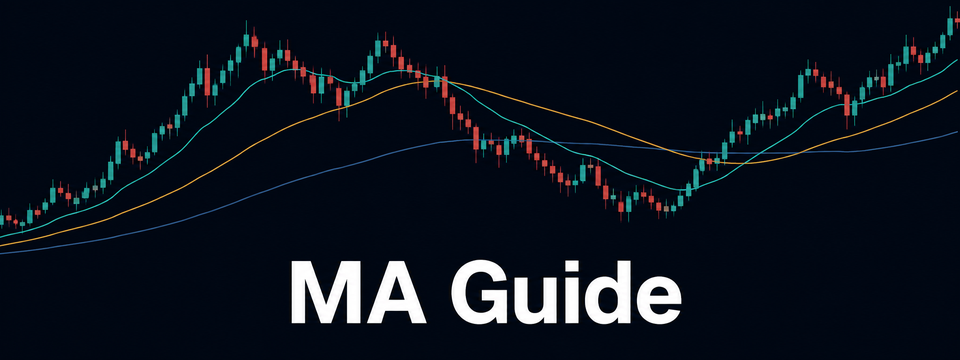
Read moving-average direction and distance, from pullback watch to recovery confirmation.
Request free invite
No account yet
Create a free TradingView account →What it shows
- 20/60/120-bar EMA or SMA with up, down and mixed states
- Distance from the average highlights extended price moves
- Pullback watch → recovery confirmation, with closed-bar alert conditions
How to read it
- Trend: read the order and slope of the 20/60/120-bar averages together to distinguish up, down and mixed conditions.
- WATCH marks a pullback touching the fast-average zone in an uptrend. It is an observation, not a buy instruction.
- RECOVERY appears when a later bullish candle closes above the watch zone and the previous high. EXTENDED means ATR-based distance is large, not that a reversal is certain.
How to install
- Request a free invite with your TradingView username and email, then open the confirmation link in your inbox.
- After access is granted, open the indicator page in your installation email and add it to favorites.
- In your TradingView chart, open Indicators → Invite-only scripts and add the indicator.
Before you use it
- Average lines move with the live candle; the state panel, event labels and alert conditions use closed candles. Sideways markets can cause frequent state changes.
- The indicator supports Korean and English explanations. Website translation and indicator language settings are separate. No returns are guaranteed.